
Real-time sales coaching, right when your reps need it.
Spiky surfaces battlecards, answers, and meeting guidance during live calls.
Requires macOS 12 Monterey or later


Ask anything about this call and the answer is built from the transcript.
Call Momentum
External Participants
The call plays itself. Open it on a desktop to hover the dock, open a card, or ask a chip.
The right answer only mattersif it arrives in time.
Spiky gives reps the right guidance in the moment, while they can still act on it.
You, without Spiky
guidance after the call- 03:04The prospect says budget is already committed to two renewals.
- 03:12You answer with a generic ROI claim instead of addressing the timing.
- 04:08The buyer asks to revisit after the renewal decisions are made.
- 05:10The rep moves on to the product walkthrough without resolving budget.
- 18:35The call ends with no follow-up meeting or pilot review scheduled.
- 22:40The recap suggests a small pilot after the opportunity has already stalled.
You, with Spiky
guidance during the call- 03:04The prospect raises the same budget objection.
- 03:05Spiky suggests reducing the scope to three reps for 30 days.
- 03:12You propose three reps, one success metric, and a scheduled readout.
- 04:08The buyer asks who should join the pilot readout. The conversation moves forward.
Battlecards, meeting templates, and Ask Scribe.
They run at the same time during a call. The difference that matters is who starts them: the prospect, your agenda, or you.
Set off by what they say
Battlecards
Write your answers once: pricing pushback, a competitor's name, a security question. Spiky watches the live transcript for them and puts the right card up mid-sentence, with a recommended line and an alternative in a different tone.
- Needs
- A battlecard library. Runs on every call after that.
- Answers
- “They just said that. What do I say back?”
They said
Set off by your agenda
Meeting templates
Pick a template before the call: Discovery, MEDDIC, or one your team wrote. Spiky ticks each question off once it is actually discussed, then points at what is still uncovered. Skip the template and it stays quiet; only battlecards run.
- Needs
- A template chosen at the start of the call.
- Answers
- “What haven't I asked yet?”
Pain Discovery
Budget
Authority
Timeline
Pain is surfaced but not quantified. Ask what the current process costs them per month before you move to budget.
Set off by you
Ask Scribe
Ask your own call a question and get an answer built from that call's transcript. It works while you are still on the call, so “what did I miss?” is answerable in the moment rather than tonight.
- Needs
- Nothing. Available from the first minute.
- Answers
- “What did I miss, and what should I do about it?”
Pick a question below.
Competitor mentioned? Intel appears instantly.
See side-by-side comparisons, differentiators, and proven talking points the second a competitor's name comes up.
- <2 second response time
- Auto-updates from your wins
- No tab switching mid-call
"Too expensive" → Proven response. Now.
Rebuttals your team has actually closed with, not generic scripts. The library is written by you and grows from the calls that went well.
Matched: pricing objection

Recommended line:
"Budget pressure is real. What if we kept scope to three reps for thirty days, and only expand if ramp improves?"
Never forget to qualify again.
Track MEDDIC, BANT, or your custom framework live. Visual progress shows coverage gaps before you hang up.
Every commitment, still on the record.
Objections, decisions and promises from earlier calls come back up when they are relevant again, without anyone re-reading a transcript.
Retrieving context...
What happens between the calls
The live dock is one half. This is what the calls leave behind.
Competitive Intel
See side-by-side comparisons and proven talking points the second a competitor is mentioned.
- <2 second response time
- Auto-updates from wins/losses
- 100+ competitors supported
- No tab switching mid-call
Works Wherever You Sell
Compatible with your existing toolkit. No bot joins your calls.
Your framework, ticked off live
MEDDIC, BANT or your own template, marked as the call actually covers it.
|Notes in Your Voice
Auto-generated summaries written exactly how you speak.
Generating summary...
Never Miss a Point
Auto-completes as you discuss, so the checklist reflects the call rather than your memory of it.
- Visual progress indicators
- Smart prompts at right moments
- Objection handling scripts
Win/Loss Patterns
Understand what behaviors actually close deals.
Where it runs
It sits on your desktop, not in your meeting.
Because Spiky records from the machine instead of joining as an attendee, it works on any call your calendar throws at you. There is nothing for the other side to see or approve.
Spiky on iPhone and Android
Keep the conversations that happen away from your desk.
Spiky Whisper coaches reps during live desktop calls. Spiky Mobile records in-person meetings and conversations on iPhone and Android, then returns summaries, action items and searchable transcripts to the same Spiky account.
Common questions
Spiky Whisper, before you download.
Does a bot join my call?
No. Spiky Whisper records from your own machine, so nothing appears in the participant list and no one has to approve an extra attendee.
Which calls can it capture?
Spiky Whisper works with Zoom, Microsoft Teams, Google Meet and Slack on macOS and Windows. It can also capture phone calls made through desktop calling apps on the same computer.
What do I need to run it?
You need macOS 12 Monterey or later, or Windows 10 or later.
When does the guidance arrive?
Guidance arrives during the call, while the conversation that triggered it is still happening.
How is it different from a meeting recorder?
Meeting recorders usually tell you what happened after the call. Spiky Whisper provides battlecards, meeting-template guidance and Ask Scribe while the call is still live.
From download to your first coached call
Three steps, and nothing to set up inside the meeting
Download the App
Get the latest version of Spiky for macOS
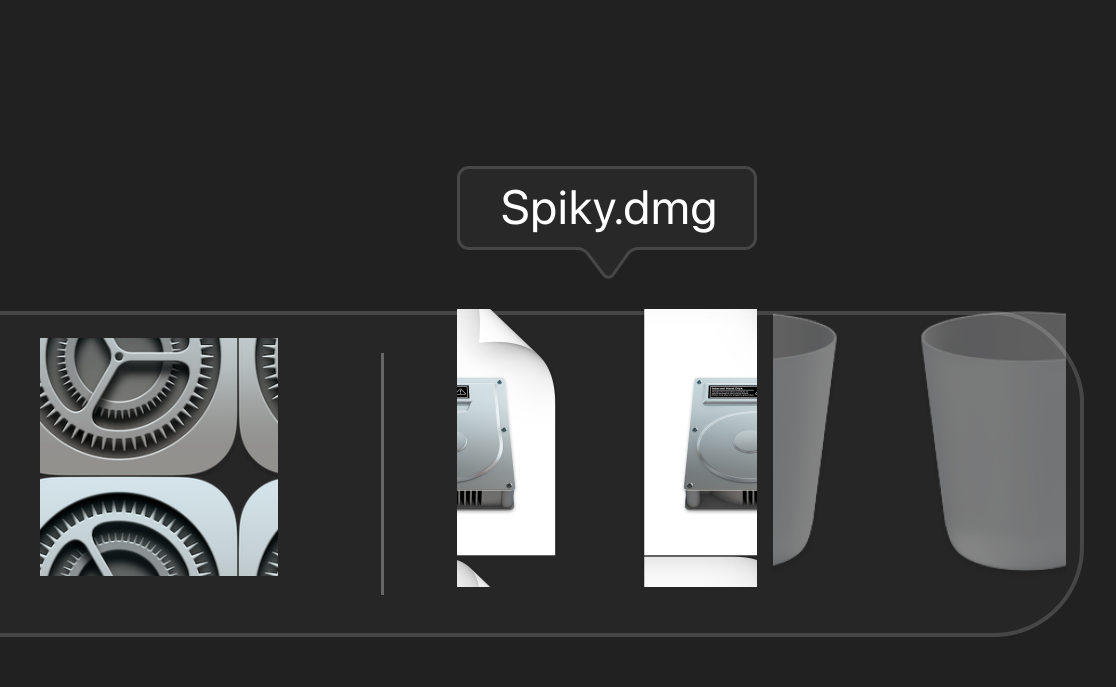
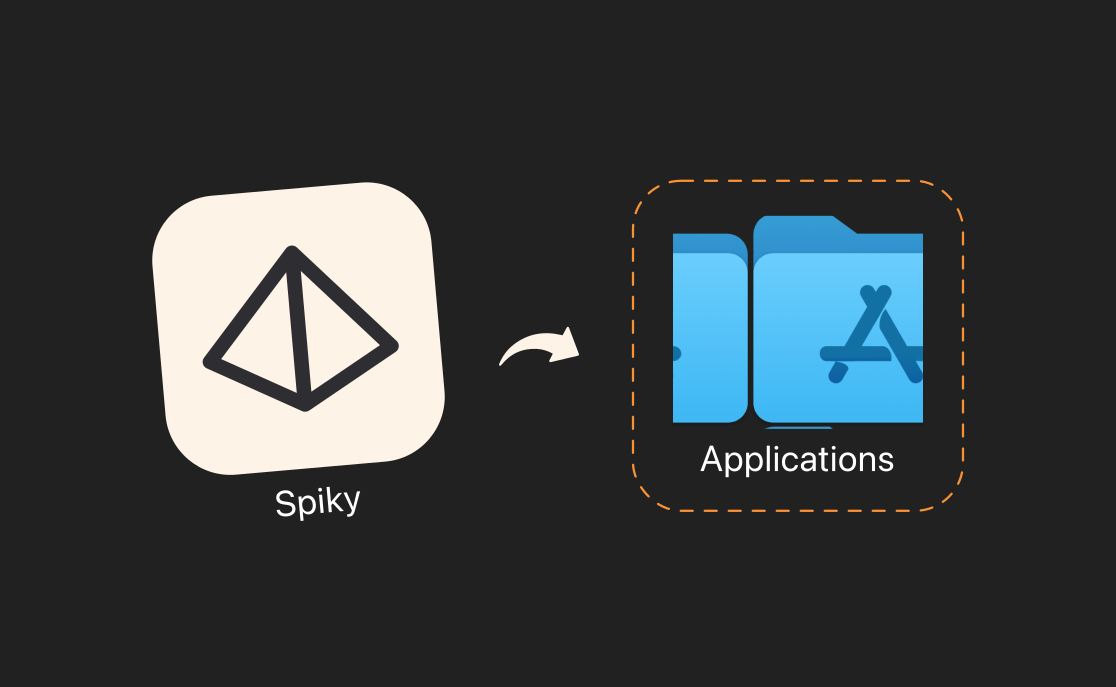
Install on Your Mac
Open the .dmg file and drag Spiky to Applications
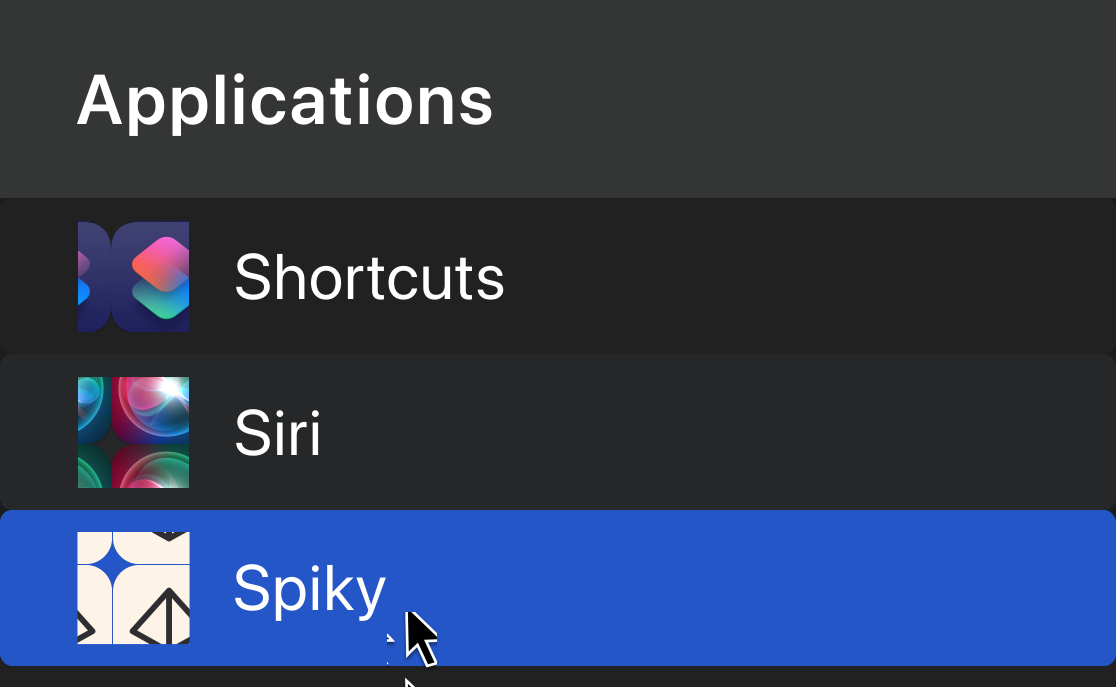
Open it before your next call
Launch Spiky from Applications; the dock appears in the camera band when the call starts
Stop Losing Deals to
"Let Me Get Back to You"
Every competitor mention without a strong response is a loss waiting to happen. Your top performers already know what to say.
Now every rep can too.
Free download • Works with Teams, Zoom, Google Meet, Slack and desktop phone calls